Introduction
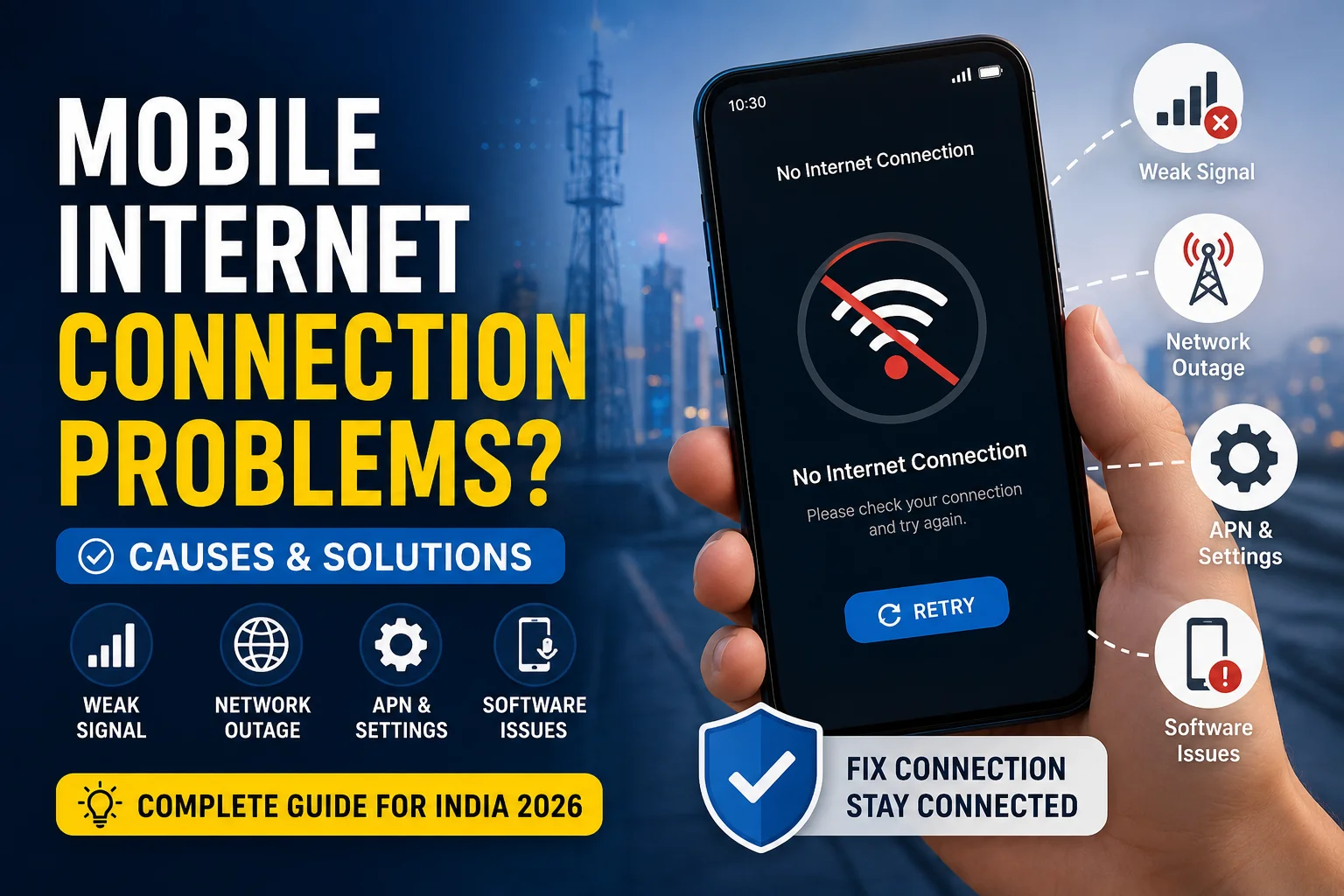
Mobile internet connection problems are one of the most frustrating issues smartphone users face in India. Despite having full signal bars, data often stops working unexpectedly. Based on extensive research into network issues, operator-specific problems, and user complaints, this comprehensive guide addresses the most common mobile data problems and their solutions. From network configuration issues to operator-specific troubleshooting, we'll help you get your mobile internet working reliably. For more tech solutions, check out our mobile and technology sections. Also read about 2026 El Niño impact on India for insights on environmental factors affecting connectivity.
Key Takeaways
- Most Common Issue: Mobile data stops working despite full signal bars
- Quick Fix: Toggle Airplane Mode for 30 seconds (fixes 60-70% of issues)
- Operator-Specific: Jio users dial *129#, Airtel *121#, Vi *199# to check data balance
- 5G Reality: 5G consumes 20-30% more battery than 4G - switch when not needed
- Coverage Check: Use operator apps (Jio True 5G, Airtel Thanks) to verify 5G in your area
- APN Settings: Incorrect APN settings cause 30% of data connection issues
- Network Reset: Reset network settings monthly for optimal performance
- Sim Position: Primary SIM slot has better antenna - move data SIM to slot 1
Common Mobile Internet Issues in India
Mobile internet problems in India range from simple configuration issues to complex network problems. Understanding these issues is the first step toward resolving them:
Most Frequent Problems
- Data stops working despite full signal bars
- Slow internet speed despite 4G/5G connection
- Connection drops frequently
- Unable to connect to mobile data after switching from Wi-Fi
- 5G not available in 5G-supported areas
- Data connection works on some apps but not others
Emergency Quick Fixes (Try These First)
- Airplane Mode: Toggle Airplane Mode for 30 seconds, then turn off. Fixes 60-70% of issues.
- Restart Phone: Complete device restart clears network cache and reinitializes connections.
- Check Data Balance: Dial operator codes: Jio *129#, Airtel *121#, Vi *199#
- Toggle Mobile Data: Turn mobile data off for 10 seconds, then back on.
Operator-Specific Solutions
Jio Reliance Issues & Solutions
Common Jio Problems:
- Data stops working suddenly despite full signal
- 4G/5G connection but no internet access
- Slow speeds during peak hours
Jio-Specific Solutions:
- Check Data Balance: Dial *129# or use MyJio app
- Reset APN: Settings → Mobile Network → APN → Reset to default
- Network Settings: Use Jio True 5G app to check coverage and reset settings
- Preferred Network: Set to 4G/3G/2G Auto instead of 5G only
Airtel Issues & Solutions
Common Airtel Problems:
- Data connection drops frequently
- 5G not showing in supported areas
- Slow 4G speeds despite full signal
Airtel-Specific Solutions:
- Check Data Balance: Dial *121# or use Airtel Thanks app
- APN Settings: Use "airtelgprs.com" as APN if auto-configuration fails
- 5G Activation: SMS "GET5G" to 121 for activation
- Network Reset: Use Airtel Thanks app → Network → Reset Settings
Vi (Vodafone Idea) Issues & Solutions
Common Vi Problems:
- Data connection unstable
- Slow 4G speeds
- 5G not available in most areas
Vi-Specific Solutions:
- Check Data Balance: Dial *199# or use Vi app
- APN Configuration: Use "www" as APN for better connectivity
- Network Mode: Set to 4G/3G/2G Auto for stable connection
- Vi App: Use Vi app for network diagnostics and optimization
5G Connection Problems
5G is still rolling out across India and comes with its own set of challenges:
5G Coverage Status (May 2026)
- Major Cities: 95%+ coverage across all operators in metropolitan areas
- Other Cities: 90% coverage, excellent in most areas
- Tier-2 Cities: 60% coverage, expanding rapidly
- Tier-3 Cities: 30% coverage, expected to reach 50% by late 2026
Common 5G Issues
- No 5G Signal: Check coverage using operator apps. 5G not available in all areas yet.
- 5G Battery Drain: 5G consumes 20-30% more battery. Switch to 4G when not needed.
- 5G to 4G Drops: Normal behavior. Use 5G/4G Auto mode for stable connection.
- 5G Slow Speeds: Network congestion or distance from tower. Use off-peak hours.
Network Settings Configuration
| Operator |
APN Name |
APN |
MCC |
MNC |
| Jio |
Jio Net |
jionet |
405 |
859, 860, 861, 862, 863 |
| Airtel |
Airtel |
airtelgprs.com |
404 |
02-07, 10-12, 17-19, 30-31, 45-47, 70-71, 86-94, 96-98 |
| Vi |
Vi Internet |
www |
404 |
01, 07, 11, 13, 20, 27, 30, 43, 45, 86, 88 |
Network Mode Selection
- 5G/4G/3G/2G Auto (Recommended): Automatically switches between networks. Best for most users. Balances speed and battery life.
- 4G/3G/2G Auto: No 5G, better battery life. Good for areas with poor 5G. Stable connection.
- 3G/2G Only: Emergency use only. Very slow speeds. Maximum battery saving.
Advanced Troubleshooting
Network Settings Reset
- Settings → System → Reset → Reset Network Settings
- Clears all network configurations
- Requires re-setup of Wi-Fi and Bluetooth
- Fixes 80% of persistent issues
SIM Card Troubleshooting
- Remove SIM, clean contacts, reinsert after 2 minutes
- Try SIM in another phone to check if SIM is faulty
- Move SIM to primary slot for better antenna
- Get replacement SIM if older than 3 years
Software Updates
- Check for Android/iOS updates
- Update carrier settings if available
- Update operator apps to latest version
- Restart after updates
Prevention Tips
- Regular Maintenance: Reset network settings monthly for optimal performance
- App Management: Close background apps that consume data unnecessarily
- Signal Optimization: Use Wi-Fi when available to reduce mobile data load
- Monitor Usage: Track data usage to avoid hitting daily limits
Sources & References
- Jio SelfCare Portal - Official Jio support and troubleshooting
- Airtel Support - Network settings and configuration
- Vi Customer Care - APN settings and network solutions
- TRAI - Network coverage and quality reports
- Ookla Speed Test - Network performance testing
- 2026 El Niño Impact on India - Environmental factors affecting connectivity
- Upcoming AI Smartphones 2026 - Future technology insights
Related Articles
Frequently Asked Questions (FAQs)
Why does my mobile data stop working despite full signal bars?
This is the most common issue in India. Usually caused by: (1) Data balance exhausted, (2) Network congestion, (3) APN configuration error, (4) Temporary network glitch. First check data balance by dialing operator codes, then toggle Airplane Mode for 30 seconds. If still not working, reset network settings.
How do I check if my area has 5G coverage?
Download operator apps: Jio True 5G, Airtel Thanks, or Vi app. These apps have real-time coverage maps showing where 5G is available in your city. Major cities have 90%+ coverage, while smaller cities have limited coverage expected to expand by late 2026.
Should I use 5G or 4G for better battery life?
4G provides better battery life. 5G consumes 20-30% more battery due to more powerful modems and faster data processing. To save battery, switch to 4G when you don't need 5G speeds, use 5G Auto mode on iPhone, close background apps, and avoid heavy tasks on 5G.
How do I activate 5G on Jio?
Jio 5G is usually automatic for eligible users. To check: SMS "GET5G" to 199. Download Jio True 5G app to verify coverage and activation status. If not activated after 48 hours, call Jio customer care at 198. Ensure your SIM is in the primary slot and 5G is enabled in phone settings.
Is 5G available in smaller cities?
5G deployment in smaller cities is ongoing. As of May 2026, tier-3 cities have limited 5G coverage (30% Jio, 25% Airtel). Coverage is expected to expand to 40-50% by late 2026. Use operator apps to check real-time coverage in your specific area. If 5G isn't available yet, expect rollout within 6-12 months.
Why does my phone overheat on 5G?
5G modems generate more heat than 4G modems, especially during heavy use. Some warmth is normal. To reduce overheating: remove phone case, avoid direct sunlight, limit heavy tasks (gaming, 4K streaming) on 5G, take breaks to let phone cool down, and switch to 4G if phone gets too hot.
Should I keep 5G always on?
If battery life is a priority, use 5G/4G auto mode instead of 5G only. iPhone users should select "5G Auto" instead of "5G On" for better battery life. If you need maximum speeds and don't care about battery, keep 5G on. Switch to 4G when battery is low to extend usage time.
How long does 5G activation take?
After sending "GET5G" SMS to your operator, activation typically takes 24-48 hours. Some users get activated within a few hours, others may take up to 3-4 days depending on location and network congestion. If not activated after 5 days, contact customer care.


Comments
Loading comments...